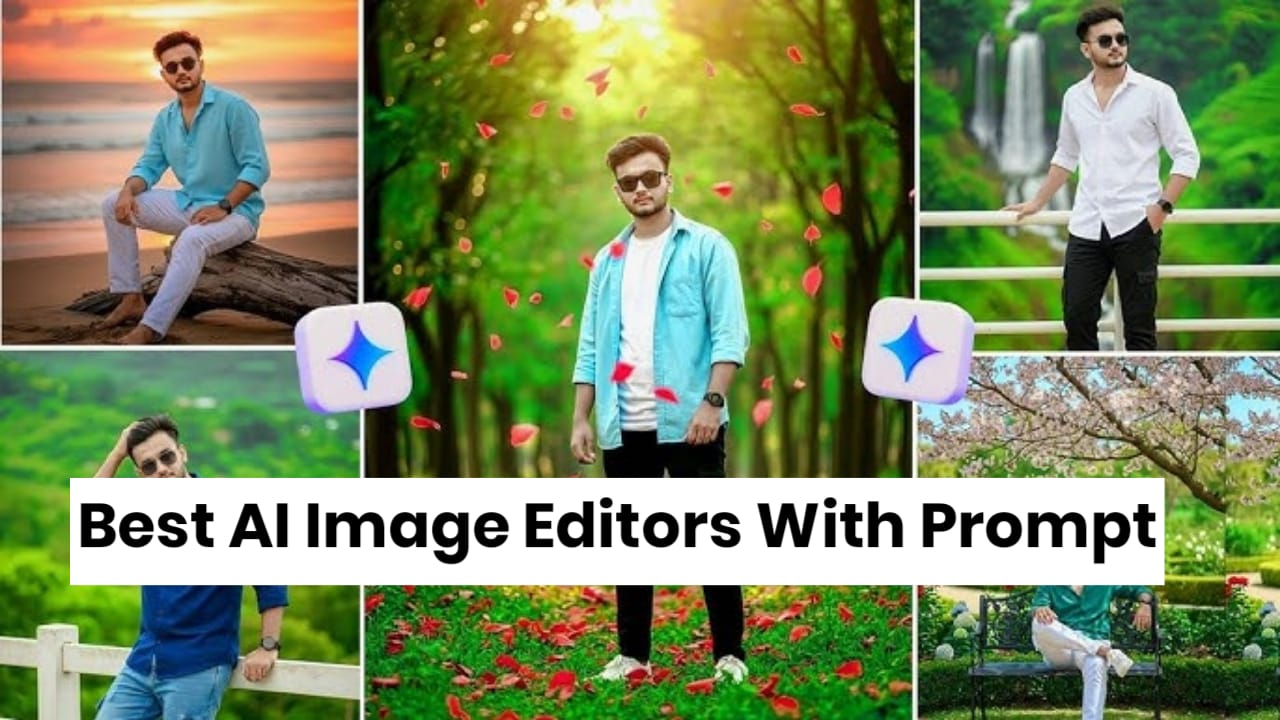
AI image editing has changed completely in the last few years. Instead of using complex tools like layers, masks, and sliders, you can now edit photos simply by typing a prompt such as:
“Remove the people in the background and add sunset lighting.”
The AI understands your instruction and edits the image automatically. Many modern tools now support prompt-based editing, allowing users to remove objects, change backgrounds, or create realistic images using text instructions.
In this guide, you’ll discover the best AI image editors with prompt support that actually work.
What Is a Prompt-Based AI Image Editor?
A prompt-based AI editor allows you to edit images using natural language commands.
Example prompts:
- “Change the background to a beach at sunset”
- “Remove the person behind me”
- “Make this photo look cinematic”
- “Turn this image into anime style”
Instead of manually editing photos, the AI automatically performs the changes based on your prompt.
Best AI Image Editors With Prompt (Tested Tools)
1. Adobe Photoshop (Generative Fill) – Best Professional AI Editor
One of the most powerful AI editing tools today is Adobe Photoshop’s Generative Fill feature.
What makes it powerful:
- Add or remove objects with prompts
- Replace backgrounds automatically
- Expand images beyond the frame
For example, you can type:
“Add mountains behind the house”
and Photoshop generates realistic content to match the image.
Best for:
- Professional designers
- YouTubers and content creators
- advanced photo editing
2. Adobe Firefly – Best Prompt-Based Image Editing
Adobe Firefly is a generative AI platform designed for text-to-image and prompt-based editing.
Key features:
- Prompt to edit images
- background replacement
- style transformation
- object removal
You can write prompts like:
“Make the sky dramatic and add golden sunset lighting.”
Firefly integrates with Photoshop and other Adobe tools for professional workflows.
Best for:
- creators
- designers
- marketing visuals
3. Pixlr AI – Best Free AI Image Editor
Pixlr is a web-based AI editor that works directly in your browser.
AI features include:
- AI generative fill
- background remover
- object removal
- image expansion
Pixlr is popular because it’s lightweight and beginner-friendly while still offering powerful AI tools.
Example prompt:
“Remove the background and replace it with a city skyline at night.”
Best for:
- beginners
- quick edits
- free AI tools
4. Fotor AI Editor – Best for Quick Social Media Edits
Fotor is widely used for quick AI edits.
Popular features:
- AI photo enhancement
- object removal
- AI background generator
- text-to-image tools
Fotor is often recommended for social media content and quick image editing.
Example prompt:
“Turn this portrait into a cinematic movie poster.”
5. Leonardo AI – Best for Creative AI Image Editing
Leonardo AI is a powerful AI image tool used by artists and designers.
Features:
- prompt-based image generation
- advanced style control
- character design tools
- AI canvas editing
It is widely used for:
- game design
- concept art
- creative images.
Example prompt:
“Convert this photo into a futuristic cyberpunk style artwork.”
Best Prompt Examples for AI Image Editing
Here are some prompts that actually produce great results.
Background Change Prompt
Replace the background with a tropical beach sunset,
realistic lighting, cinematic style
Object Removal Prompt
Remove the people in the background and clean the scene
naturally
Style Transformation Prompt
Convert this image into Pixar style animation
Lighting Enhancement Prompt
Add golden hour lighting and soft cinematic shadows
How to Choose the Right AI Image Editor
Before choosing a tool, consider these factors:
For professionals
Use:
- Adobe Photoshop
- Adobe Firefly
For beginners
Use:
- Pixlr
- Fotor
For creative artwork
Use:
- Leonardo AI
Future of Prompt-Based Image Editing
Prompt-based editing is becoming the future of photo editing.
New AI systems can now understand complex instructions like:
- changing lighting
- adding objects
- transforming styles
Recent updates even allow editing images simply by typing instructions instead of using manual tools, making professional editing accessible to everyone.
Conclusion
AI image editors with prompt support are making photo editing easier than ever.
The best tools that actually work include:
- Adobe Photoshop (Generative Fill)
- Adobe Firefly
- Pixlr AI
- Fotor AI
- Leonardo AI
With these tools, you can edit images using simple text prompts and achieve professional-quality results.